
Ready-made software first
Jewelry software
Display rates in the window, take orders online and track stock at the counter. We first look at the task you want to simplify.
Try a ready-made tool with your own product and order. We review any step that does not fit and outline custom costs and timing if needed.
What's included
Which software do you need?
- 01
Desktop Software
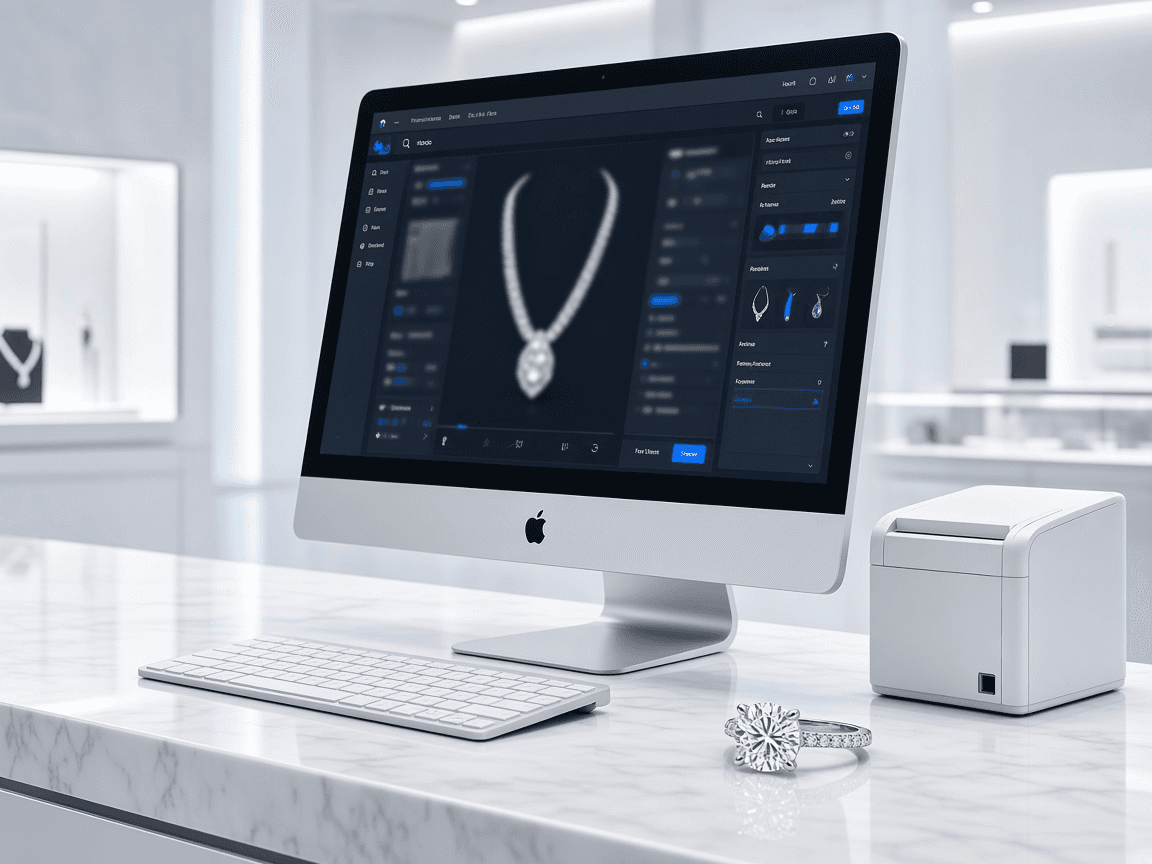
Staff access sales, stock and customer records on the store computer. We arrange screens around the tasks they use most at the counter.
Details → - 02
Mobile Software
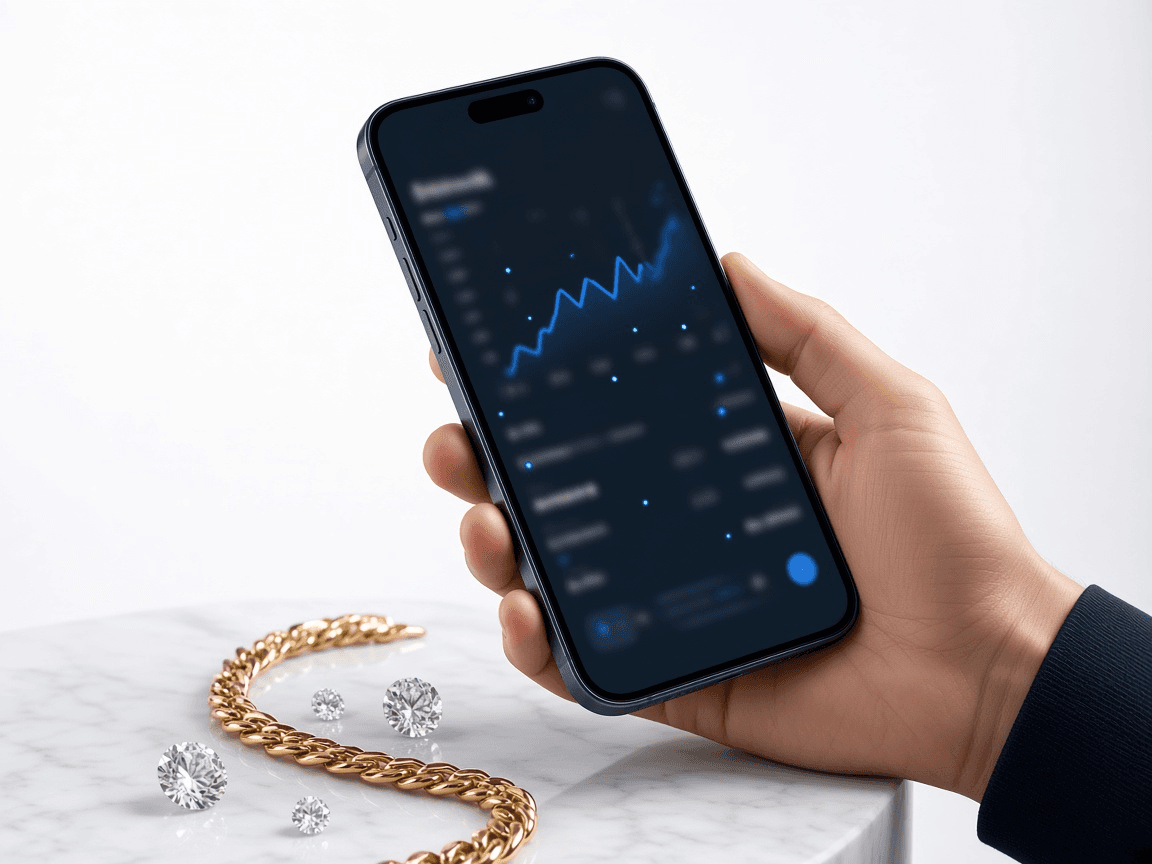
Check a piece’s price and availability on your phone in the showroom. Choose which staff can edit records.
Details → - 03
Accounting Software
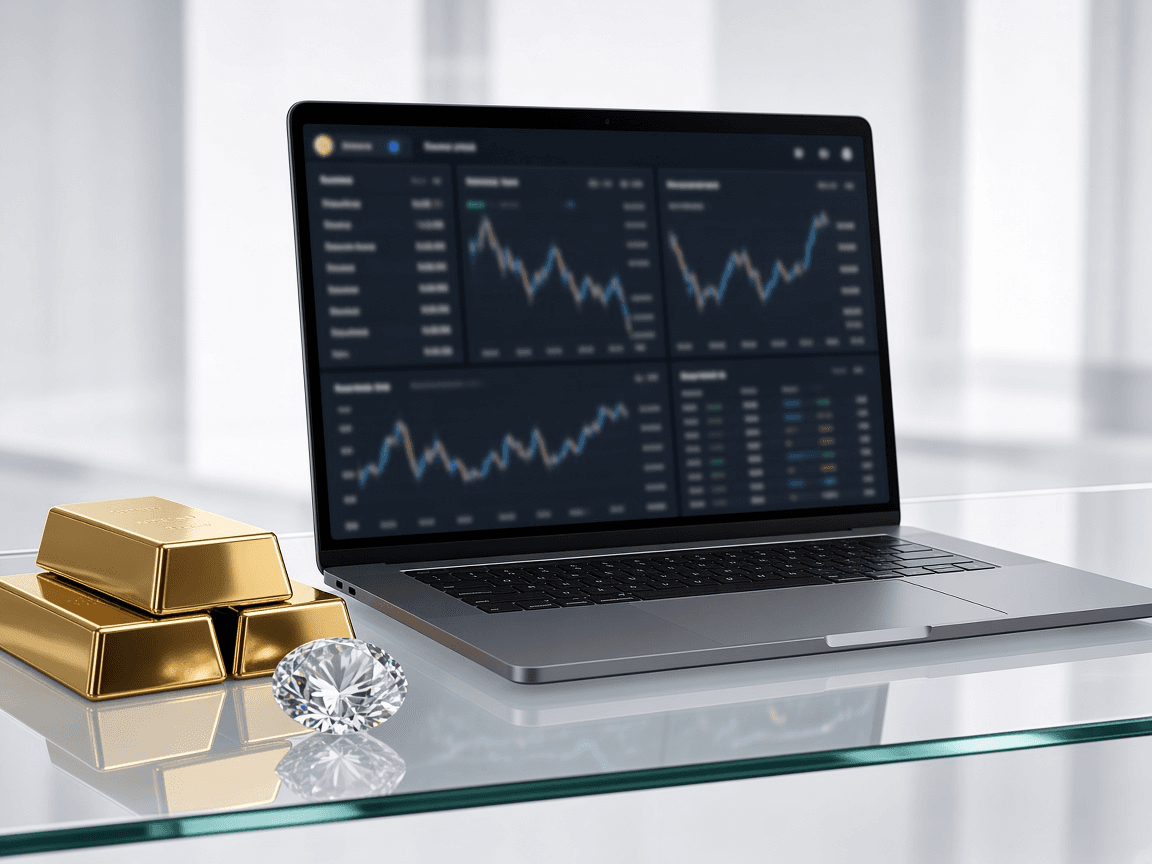
Follow each sale, invoice and payment in one account. Compare stock by weight with till records at closing.
Details → - 04
Custom Software
We test a ready-made tool with your workflow first. If staff still have to complete a step manually, we assess the time and cost of custom development together.
Details → - 05
Web Design
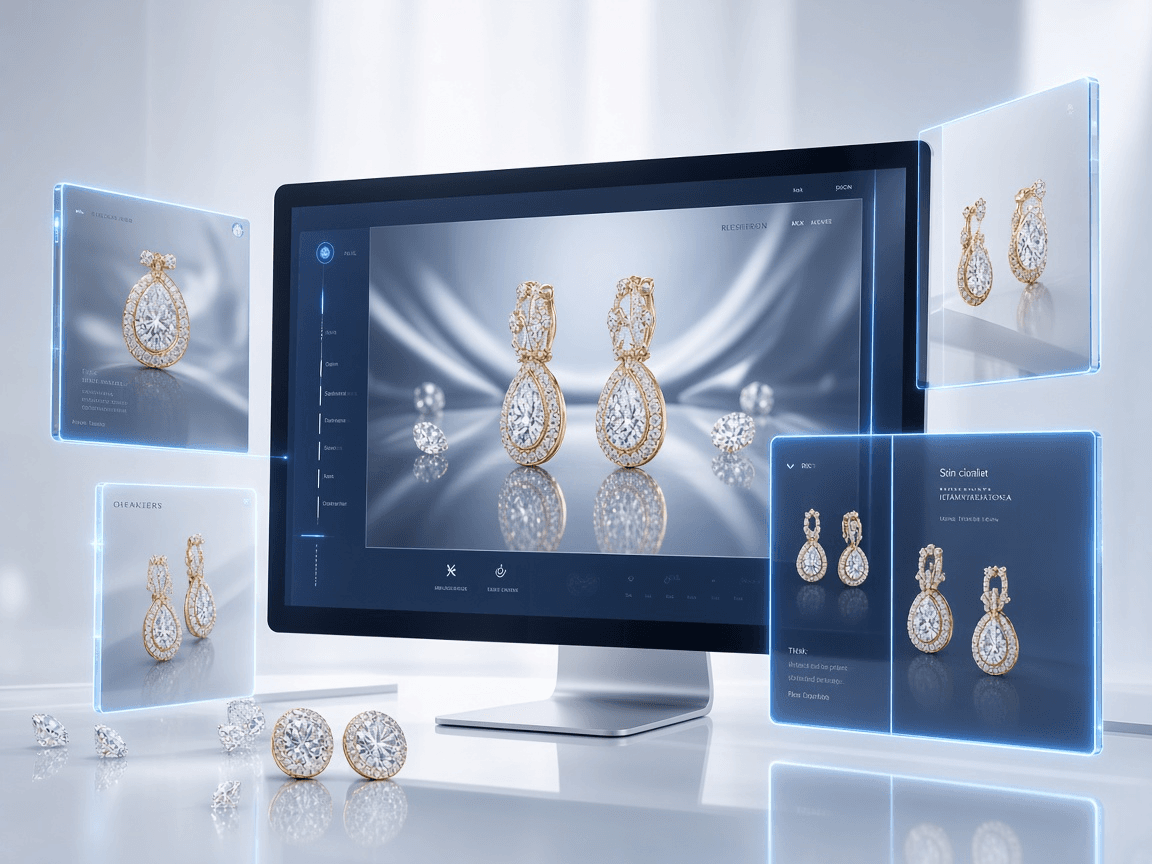
We arrange photos, product details and contact options so shoppers can browse a collection on their phones and find the piece they like.
Details →
How we help
What jewelry software actually fixes
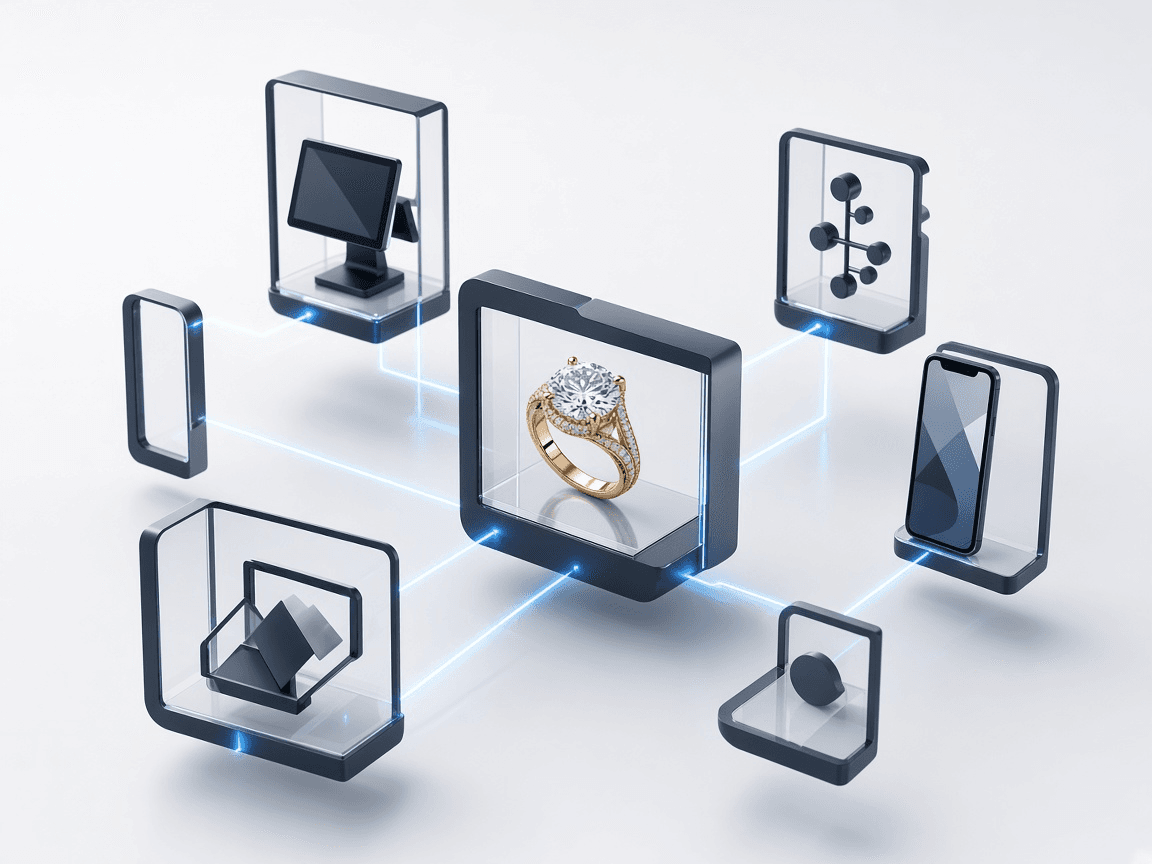
When an item sold at the counter still appears online, staff have to enter the sale twice. Connecting inventory records avoids that repeated work.
Trust at the counter, speed in the office
Customers can see prices in the window. Staff can check available stock. Accounting can compare sales and receipts at closing.
When is a ready product enough?
A ready-made product is enough if it handles your rate, inventory or order workflow from start to finish.
When do you need custom software?
When a package misses an essential task, we check the cost of adapting it. If each change gets harder, custom software may be a better fit.
Software and SEO are planned together
Before launch, we check headings, product details and short descriptions shown on Google. We test pages on phones, fix slow parts and give you a list of the checks.
Who is this for?
We work with single shops and businesses with several branches. Weight, gold purity, stone details and customer balances need accurate records. We explain which program we will set up and what you will receive.
SEO
Why SEO comes first in software
We want shoppers to find you when they search for a product or shop on Google. We plan page addresses, headings and product descriptions from the start. We check that pages load quickly and Google can read product details.
Even when rates, e-commerce and accounting are separate products, search speaks one brand voice. Nothing is written twice — SEO and software feed one plan.
How we proceed
How does a software engagement move?
- 01
Step 1
Clarify needs and existing records
- 02
Step 2
Test a ready-made product with your workflow
- 03
Step 3
Setup or development, testing, SEO check
- 04
Step 4
Release, documentation and maintenance
Products
Ready-made or custom?
Try Kurex and Kuystore with your products. If the software does not fit, we can assess the time and cost of custom development together.
From the blog
- What Does Jewelry Store Software Do?
What should you record from the moment a bracelet arrives until it sells?
- Tracking Stones and Orders With Diamond Software
Track a stone's grading report, availability and workshop order in one workflow.
- Exchange Rate Software for Jewelers
How do you set up a window display with current gold and currency prices?
- Jewelry E-Commerce Software
How can you keep prices, stock and orders in sync when selling gold jewelry online?
- Diamond E-Commerce Software
Help diamond shoppers compare stones, find grading reports and choose the right size.
- Ready-made or custom software?
See when ready-made jewelry software is enough through two simple store examples.
- Jewelry software integration
What information should rate displays, online stores and accounting software share?
- Jewelry ERP
See why jewelry stores track weight, purity, stock and invoices in one workflow.
- Gold and Currency: A Guide to Jewelry Store Rate Displays
How do you plan hardware, placement and content when setting up a window price display?
- Accounting Software for Jewelers
See how grams, purity and invoicing work when choosing accounting software for a jewelry store.
- Gold Price Display for Jewelry Stores
Which products should a gold price display show, and in what layout?
Frequently asked questions
How do I choose between a ready product and custom software?
Try your own workflow in the ready-made product. If it cannot handle a task such as branch pickups the way you need, consider custom software.
How long does a software project take?
We give you the setup time for a ready-made product or a development and testing schedule for custom software at the start.
Is SEO included in software work?
Yes. We plan page addresses, headings and product descriptions from the start. We check that pages load quickly and Google can read product details. These are not sold later as an extra package.