
Ready-made software first
Desktop Software
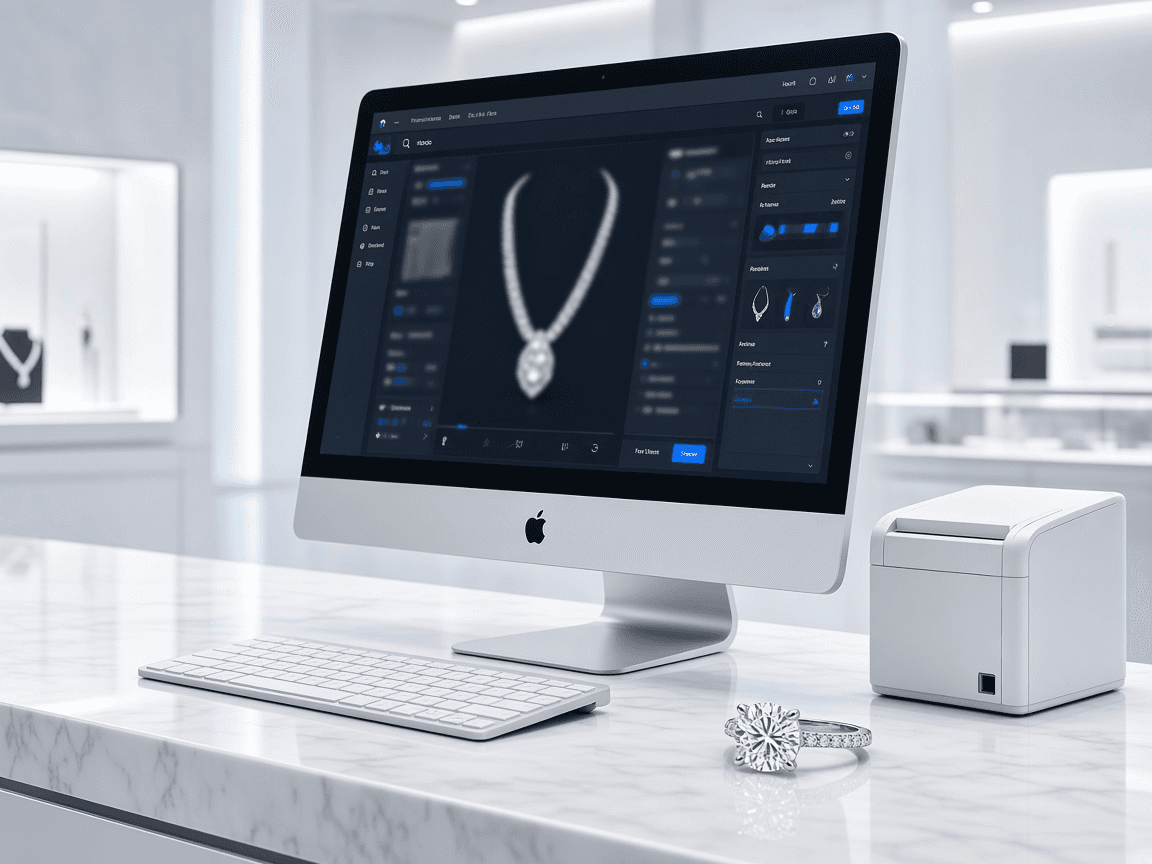
Staff access sales, stock and customer records on the store computer. We arrange screens around the tasks they use most at the counter.
What we do
When does it help?
An installed program may suit a counter with a printer and scale. We agree which tasks need to continue without internet and whether to combine the program with online tools.
What comes with setup?
We install the program and show you the basics. We agree who can change each record and explain how to back up your information.
Who it's for
Jewelers who manage sales and stock on a shop computer.
- Easy sales entry at the counter
- Product and stock lookup
- Development for Windows and macOS
- Share details with your site and rate screen
SEO
How we help people find you
If the program connects to a website, we improve page errors and product descriptions together to help shoppers find the right item in search.
How we proceed
- 01
Step 1
Clarify needs and existing records
- 02
Step 2
Test a ready-made product with your workflow
- 03
Step 3
Setup or development, testing, SEO check
- 04
Step 4
Release, documentation and maintenance
Frequently asked questions
How do staff learn?
We demonstrate a sample sale and stock entry. We arrange separate training for more detailed reports.
Can old records be moved?
We inspect your files first. We plan to transfer readable stock and customer records after correcting missing or incorrect details.
From the blog
- What Does Jewelry Store Software Do?
What should you record from the moment a bracelet arrives until it sells?
Other items in this area
Mobile Software
Check a piece’s price and availability on your phone in the showroom. Choose which staff can edit records.
View →Accounting Software
Follow each sale, invoice and payment in one account. Compare stock by weight with till records at closing.
View →Custom Software
We test a ready-made tool with your workflow first. If staff still have to complete a step manually, we assess the time and cost of custom development together.
View →Web Design
We arrange photos, product details and contact options so shoppers can browse a collection on their phones and find the piece they like.
View →